
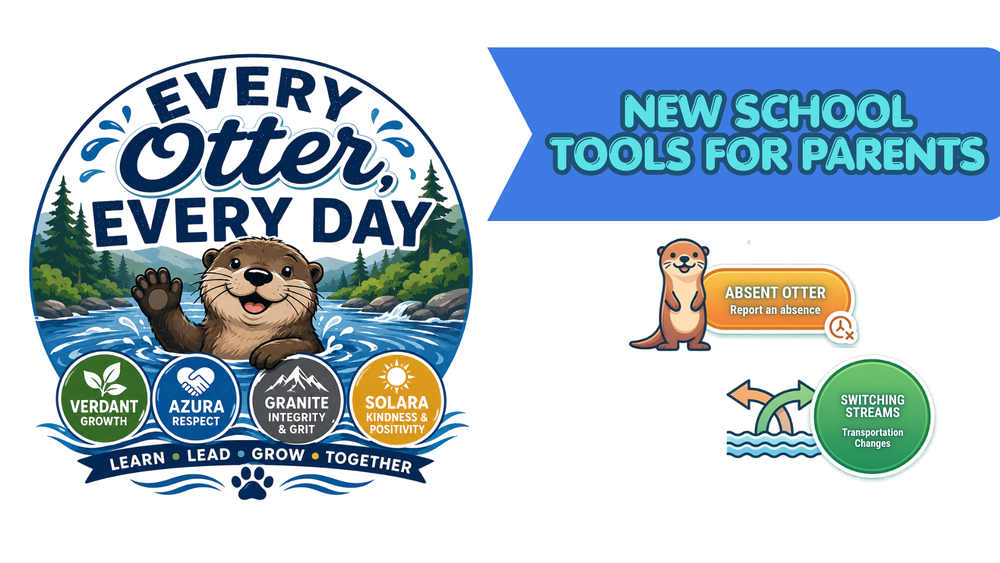
We want to make it easy for families to let us know when their child will be absent or needs a change in how they get home.
Both the Absent Otter and Switching Streams can be found as buttons on the GES website.
Is Your Child Going to Be Absent?
If your child is going to miss school for any reason, please use the Student Absence Form.
You can find the Student Absence Form button on the GES website, or go directly to:
🦦 Report an Absence: https://tinyurl.com/AbsentOtter
That’s it! Filling out the form lets the school know your child will be absent.
If Your Child Went to the Doctor
If your child saw a doctor, we still need a doctor’s note.
You can:
Bring the note to the GES Front Office, or
Email it to Mrs. Rigsby at drigsby@glnd.k12.va.us
Need to Change How Your Child Gets Home?
If your child needs to go home a different way than usual, please submit the change through Switching Streams.
🦦 Transportation Change: https://tinyurl.com/SwitchingStreams
⏰ All transportation changes must be submitted by 12:00 noon each day.
For example, use Switching Streams if your child normally rides the bus but needs to be picked up in the car rider line that afternoon.
Please do not wait until dismissal to make a transportation change. Getting changes to us by noon gives our staff time to make sure your child and their teacher know the correct way they are going home.
Two Forms, One Easy Place
Just remember: GES website and look for the buttons to:
Absent Otter - Report a Student Absence
Switching Streams – Transportation Changes

Why It Matters
Coming to school every day helps students learn, stay on track, and be part of what’s happening in the classroom. When your child does need to miss school, reporting the absence helps us keep accurate attendance records.
The same goes for transportation changes. Letting us know by noon helps us make sure every River Otter gets home safely and the right way.
Thank you for helping us keep our students safe, accounted for, and ready to learn!